Written by: John Dillon (Product Development Director at C3 SoftWorks)

As the Product Development Manager at C3 SoftWorks—and a former EMS educator—I’ve created thousands of presentations over the years, always striving to keep them fresh, engaging, and professional.
Part of my job involves reviewing content that our clients send in for assistance. Lately, I’ve been blown away by what they’re creating: interactive learning tools built to deliver high-impact training rather than just simple games.
Recently, a client built a safety training session using SPARK to serve as an assessment tool. I was so impressed that I wanted to showcase his presentation publicly. However, because it contained proprietary information, I couldn't share it directly. So I did the next best thing: I built my own training module using the same workflow and tools.
Exploring New Tools
When I asked the client about his process, I discovered he used three main tools. Two were already part of my regular toolkit, but one was completely new to me: AI narration.
Having my own professional microphone and studio setup for voice recording, I had never felt the need to try AI voiceovers. That was about to change.
I chose the topic "10 Steps to Perfect Spill Response." This mirrored the client’s safety theme, though his focused on bodily fluids—a topic I know well from my EMS background—while mine focused on chemical spill response, a subject I knew very little about.
Thanks to the internet, I found a lot of resources that I could use as a guide. I created or found my own graphics that matched up with what I was seeing online. I also used AI for many of my images, in most cases taking a photo and turning it into an illustration, or just flat-out creating it in AI and then importing it into PowerPoint.
Step 1: Title Slide & Branding
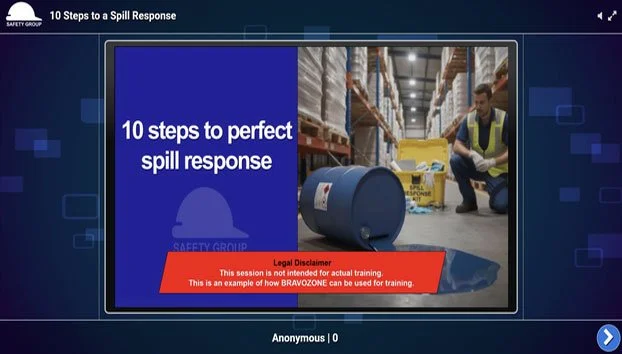
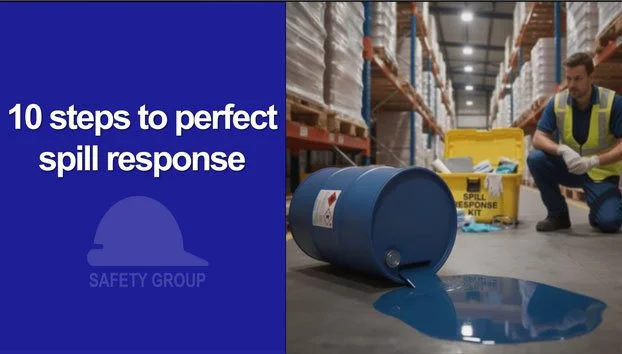
I created a title page featuring a fictional company. I started with a real photo of a worker with a spill response kit, then used AI to add chemical barrels and blur the background to pull focus to the main subject.
Step 2: Designing the Slides
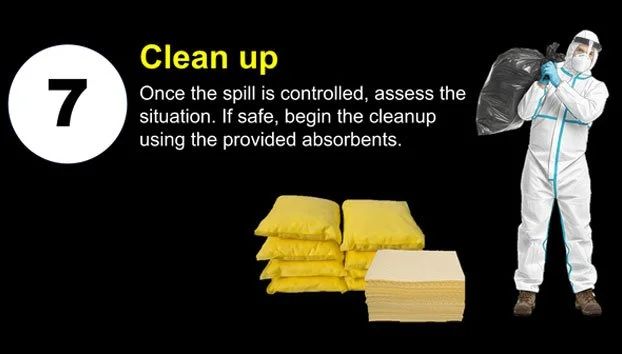
I created 10 content slides plus a title and closing slide (12 slides total). To keep the visual style consistent, I converted real stock photos into matching graphic illustrations using AI.
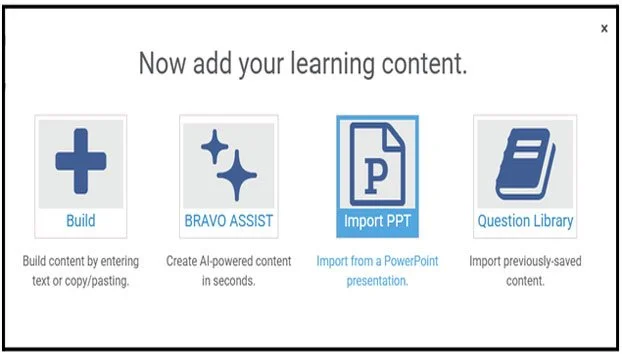
Step 3: Importing to BRAVOZONE
Once the slide graphics were finalized, I imported all 12 slides into BRAVOZONE, selected the DASH platform, and configured the session for self-paced learning.
Step 4: Generating the AI Voiceover
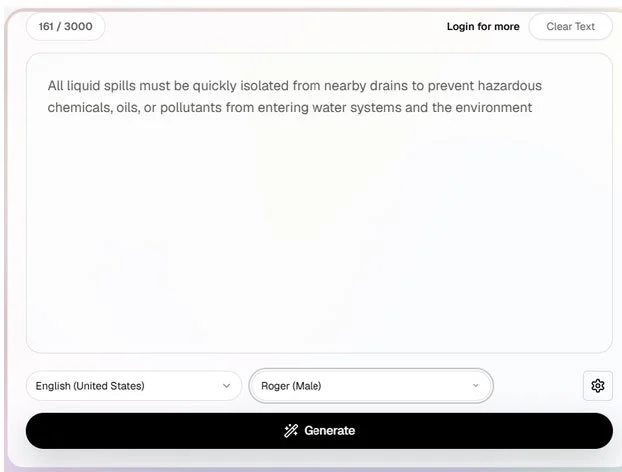
Following the client's recommendation, I tested Luvvoice. To my surprise, it was completely free and didn't require an account.
I selected the "United States" region and chose a voice option named "Roger." I pasted in my script summary, clicked Generate, and had a finished audio track ready to preview and download in under 30 seconds. After renaming the audio files for better organization, I uploaded them to their corresponding slides.
Step 5: Adding Assessments & Final Touches
To wrap up the module, I added interactive assessment questions to test learner comprehension across the slides.
Takeaways & Conclusion
Overall, this entire presentation took about 3 hours to build, with the vast majority of that time spent designing the PowerPoint slides.
The AI narration was just a matter of coming up with copy, but that was easy. Like generating AI images, there is a slight learning curve to writing script copy that sounds natural when spoken. For instance, removing quotation marks from pasted text prevented the AI voice from making unnatural pauses.
While trained ears will recognize that the voiceover is AI-generated, the convenience and speed make it an extraordinary tool. As someone who traditionally records all my audio manually, I found the process seamless and would definitely use it again.