

Be prepared to battle it out in this fun-filled castle crasher as you try to outwit your opponent. Advance your attack with catapults, dragons and a bit of magic and watch as you smash your way through your opponents castle to claim the sweet rewards of victory.
A Medieval Challenge of Wit!




Easy to Build
It's easy to create engaging and interactive training games with our highly intuitive quiz builder. The step-by-step navigation makes game creation a breeze and best of all...there's no coding required!
The question builder provides a consistent structure for each game you develop. And with the easy drag-n-drop feature, it’ll save you time when adding new or existing questions.
Create Your Own Branding
Enhance your design further by uploading your own logo. This personal touch not only allows you to showcase your unique brand identity but also elevates the overall aesthetic, making it truly your own.

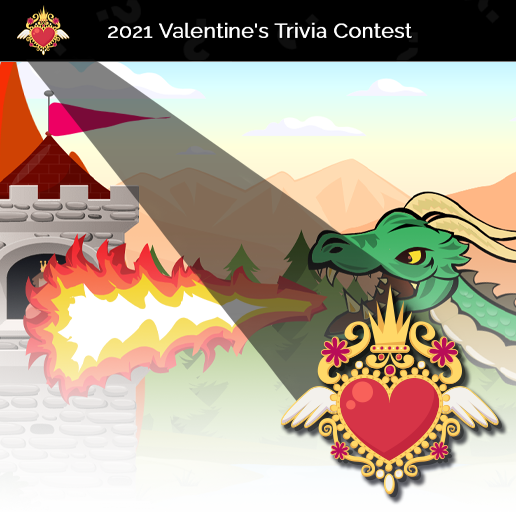
Personalize Team Names, Colors, and Avatars
Give every team a distinct identity with fully customizable team names, colors, and custom avatars designed to boost player engagement.
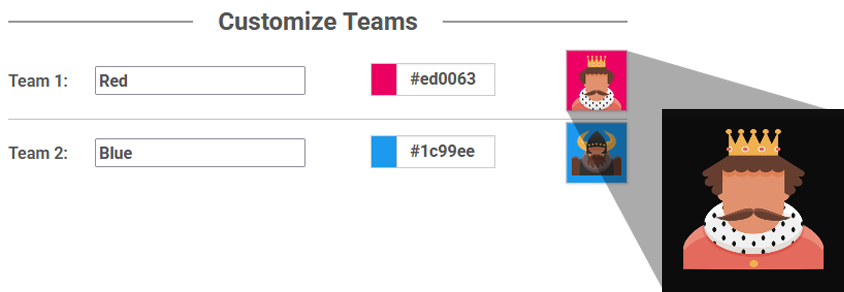
Make the game truly yours!
Check out what happens when you customize your team names, colors, and avatars.
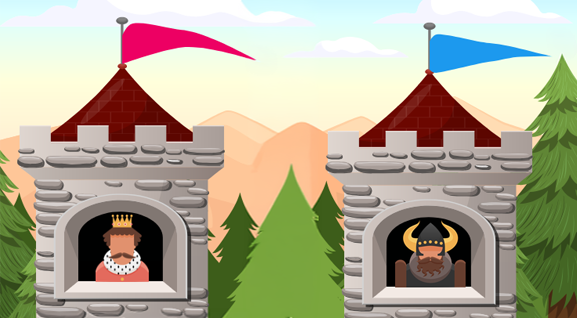
Diverse Avatar Library
Choose from hundreds of pre-made team avatars, including mascots, animals, people, superheroes, and futuristic robots…and more!


BRAVOZONE Just Got Smarter!
We’ve integrated AI technology directly into our core tools to ensure, that from the moment you sign up, you aren't just working—you’re working smarter.
"We had about 30-40 people in attendance including our CEO and everyone had a great time with it and believe it or not, actually learned a few things."
Daniel Casillas
UT Southwestern Medical Center
"The use of BRAVO! during a recent event was a success."
John
American Medical Systems
"I produced the first draft game this morning on IS-700 NIMS review. (BRAVO!) is a great product - easy to use and just begs for you to make another training."
David
Woodford County Fire & EMS
It’s more than just questions and answers…
Display text, pictures, sounds or video BEFORE and/or AFTER a question by using the Preview and Summary Screen. It's a great way to introduce content BEFORE the questions appear and helps expand on the question AFTER the teams have answered to create a learning experience.

Preview Slide
Introduce new material or clarifying material prior to presenting a question. The Preview Slide will allow you to use text, video or images to “set up” your question.
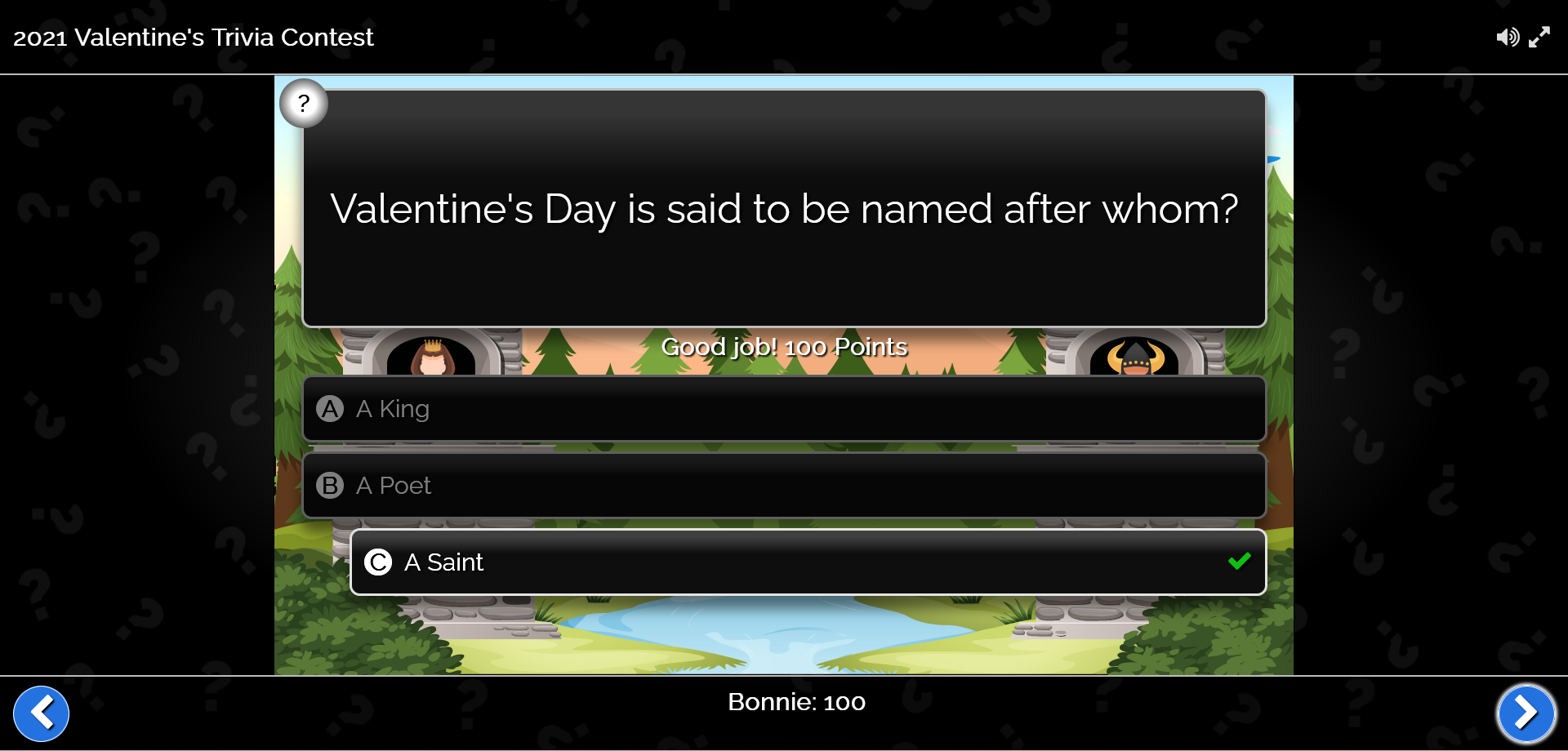
Question
Now it’s time to present your question! Once the question has been answered, check to see how many got it right to expose knowledge gaps and create teachable moments.

Summary Slide
Include a Summary Slide to reinforce what they’ve just learned or expand on concepts presented in the question.


Last Castle Standing
Four different castle crushing animations make answering correctly a reward! Each correctly answered question will result in a spectacle of catapulted rocks, heaps of garbage, fire balls, launched poison vials that morph you into an ugly green ogre and fire breathing dragons that will finally bring their opponents' castle tumbling to the ground.

Design Text
That Stands Out
The new text editor gives you more customization options to get the look you’re envisioning! Add typographical emphasis by making text bold, italicized, or underlined. Whatever you’re imagining when adding text to your questions, this new editor will help you bring your games and quizzes to life.
Notice the Difference?
Give your presentations a professional look and enhance the learning experience by customizing each game with your own visuals, branding, teams, logos, and more with a simple click. With these tools at your disposal, you'll be on your way to creating engaging and interactive training games in no time!

Anytime - Anywhere Content Delivery
Wherever your training takes place (classroom, webinar, eLearning), delivering your content in an engaging game or quiz can drive positive and (memorable) learning experiences.
Once you've created a game, a unique QR Code is generated. Simply share that code with your users - no installation required and your attendees play anywhere, on any device.

Drive Results
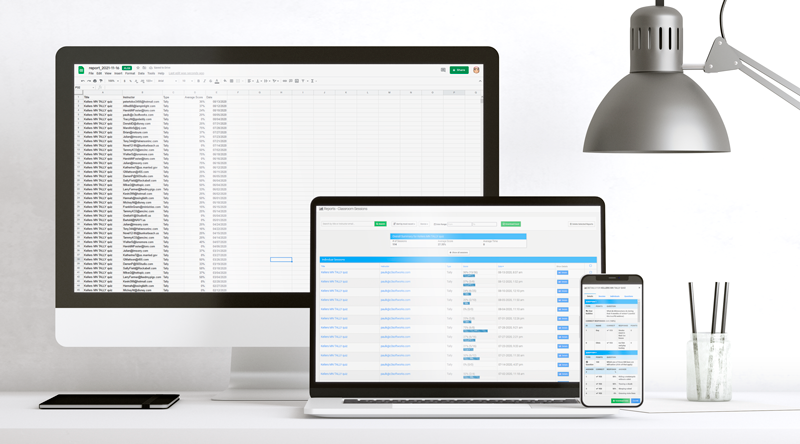
Catapult not only helps engage your students but also produces real-time results. Question by question results are provided, helping you expose knowledge gaps and remediate in real-time.
Comprehensive results are captured for every session played. A quick glance will show you a Pass, Fail or Incomplete status for each participant. Dig a little deeper and find out exactly how each user answered by viewing the details: there you will see the user's response for each question, making it easy to know what they know. You can also download the data file as a spreadsheet.

Engage the whole class with their smart devices
Take your audience to a whole new level of engagement with mobile devices. Each trainee responds to a LIVE presentation via any mobile device. Play in teams or all-play mode and see their responses in real-time.
Banking 101 Quiz
Test your financial savvy and see how much you know about banking.
Experience Catapult
Sweetheart Trivia
Get ready to feel the love and learn about the true love’s history of Valentine's Day.
TRY IT in your next training session
Get a FREE 14-day unlimited license to use in your next training session. Try it in the classroom, on a webinar, or in an eLearning game session and see for yourself how powerful gamified training can be.