BRAVOZONE Update —-March 2026—-
Leaderboard Options
In this session, we will show you the Leaderboard for individual sessions and an aggregated score for multiple sessions.
Import More Formats
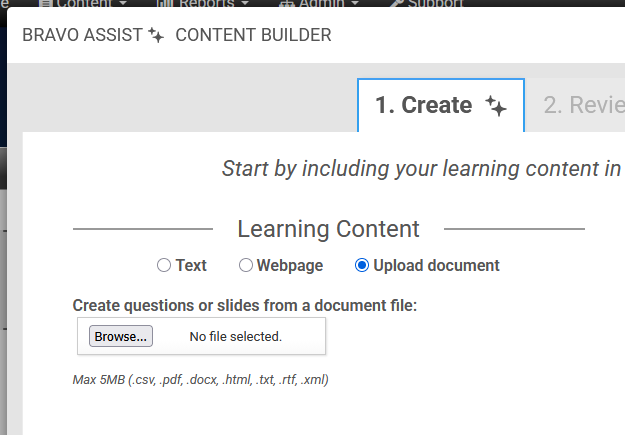
We’ve upgraded BRAVO Assist to give you more flexibility when building your knowledge base. You can now upload a wider variety of file formats.
Maximum File Size: 5MB per individual file
Approved Formats:
Documents:
.pdf,.doc,.rtf,.txtData & Web:
.csv,.xml,.html
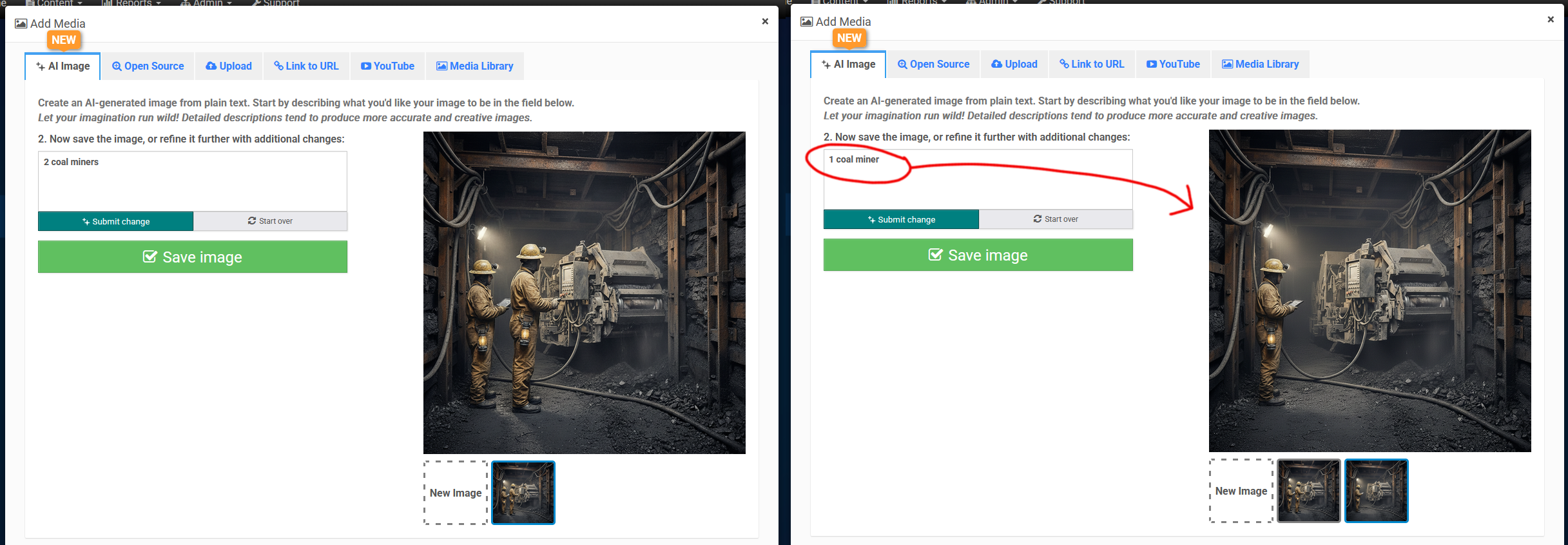
Perfecting Your AI Images
Refining your vision doesn’t always require starting from scratch. In BRAVO Assist, you can fine-tune your AI generated images to get them exactly right. Whether you need to adjust a specific detail, change the lighting, or shift the artistic style, the Tweak feature allows you to build upon your previous results. Simply provide a follow-up prompt describing the changes you’d like to see—such as "Make the colors more vibrant" or "Change the background to a sunset"—and the AI will iterate on the existing composition while maintaining its core structure.