
Using QR Codes for Instant, On-the-Job Learning
We know how important it is for your teams to have the right information at the exact moment they need it. That’s why we love Point-of-Need Training using QR codes—it's a simple, powerful way to turn any physical workspace into an instant learning hub! By placing QR codes around your workplace, your team can simply scan and instantly access:
How to Access and Share QR Codes for Self-Paced Games
Every time you publish a new Self-Paced game, a unique QR code is automatically generated to make sharing with your players fast and effortless.
Note: QR codes are generated for all Self-Paced game types, with the exception of TALLY.
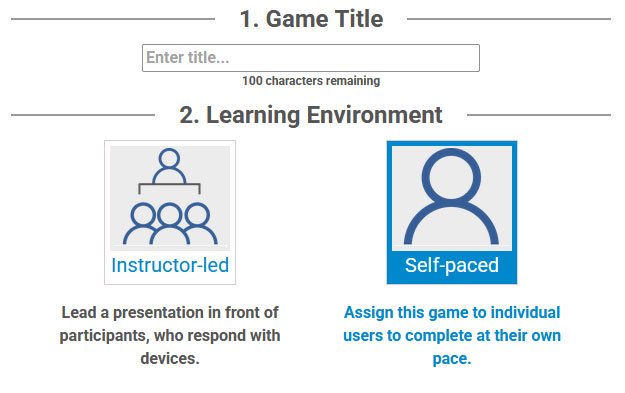
Begin by creating a new game or choose an existing game and make sure you select Self-Paced under the Start tab.
1) Select 'Self-Paced'
2) Build Questions
Create your questions, media, and customize your settings as you normally would.
NOTE: Skip this step if you’re using an existing game.
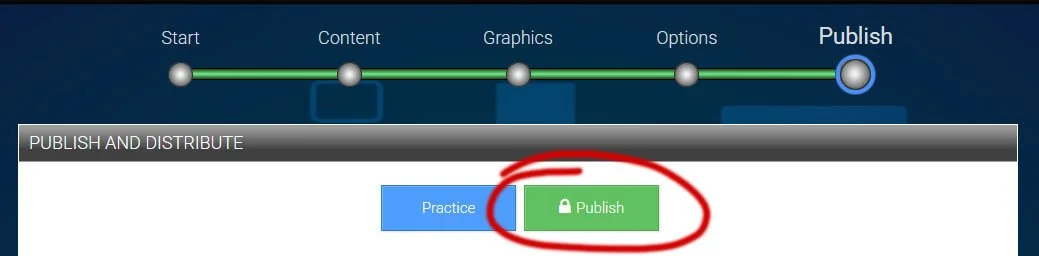
3) Publish Your Game
Once your game is ready, click Publish.
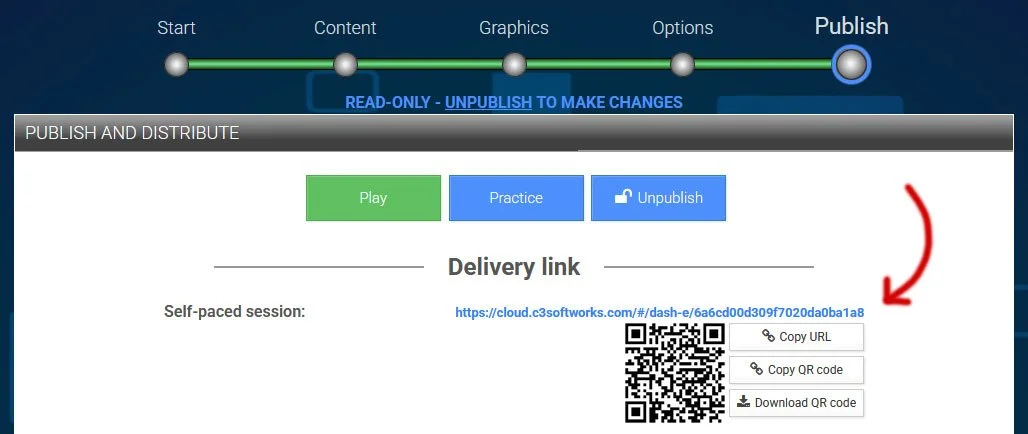
4) Locate Your QR Code
Your unique QR code will be displayed on the page alongside your game link.
4) Sharing Options
Under the Publish tab, you have three convenient ways to share your Self-Paced game:
Copy URL: Copy the direct link to paste into emails, messaging apps, or learning management systems.
Copy QR Code: Copy the QR code image directly to your clipboard to paste into documents or slides.
Download QR Code: Save the QR code image (.png) directly to your device for printing on flyers, posters, or presentation materials.

Examples:
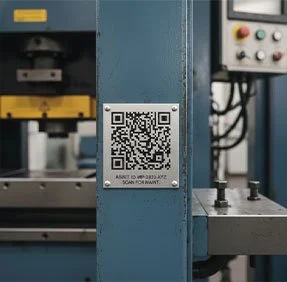
Safety Guides
Place directly on heavy machinery or medical equipment where they are needed most.


Operating Protocols
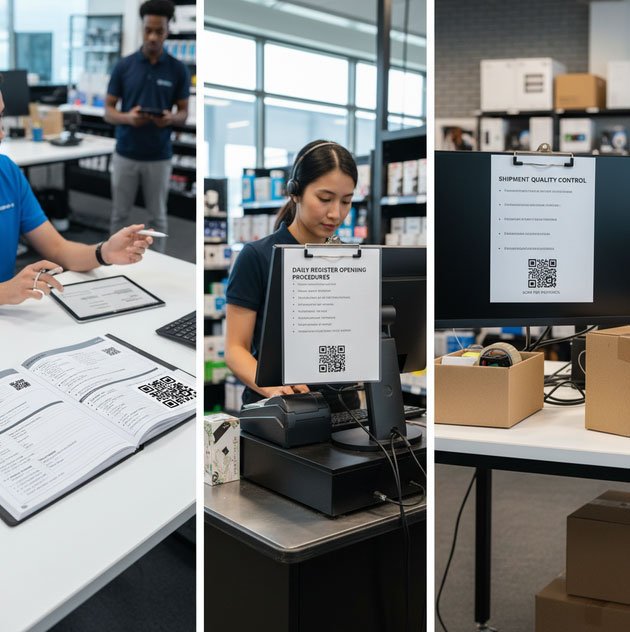
Steps, tech guides, and checklists located exactly where the work happens (desks, registers, or packing stations).
Boost Engagement
Fun quizzes and micro-learning challenges in the break room to keep things light and interactive.
Seamless Onboarding
Positioned at new-hire workspaces to grant instant access to first-week checklists and welcome videos.